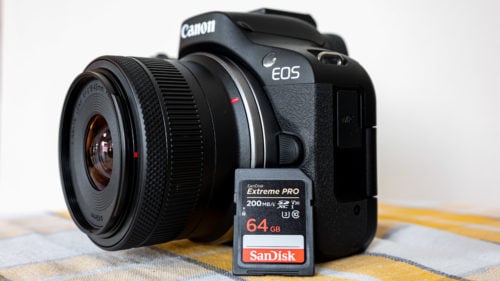
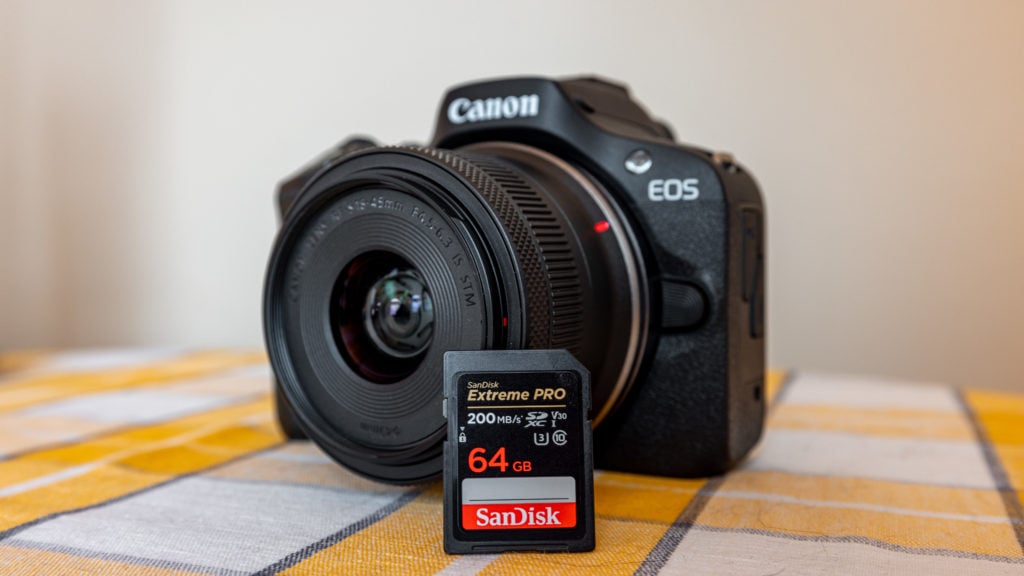
Looking for an SD card for the Canon R100? In this post I’ll highlight the best SD cards for the Canon EOS R100. The R100 is a UHS-I camera with a single SD slot, so the good news is you don’t need an expensive UHS-II card. The bad news is buying a faster UHS-II card won’t make the camera any quicker, since it’ll just sit at UHS-I speeds.
Shop for a Canon EOS R100 on B&H Photo
Quick context on the R100: 24.1MP APS-C sensor, DIGIC 8 processor, Dual Pixel CMOS AF (in 1080p), and 4K video at 24 fps with a heavy crop. For memory card purposes, the demanding video mode is 1080p at 60 fps. 4K at 24p actually has lower bitrate requirements. A solid UHS-I U3 (V30) card handles both comfortably.
Canon EOS R100 Memory Card Recommendations
The Canon R100 sports a single SD card slot supporting SD/SDHC/SDXC memory cards with UHS-I compatibility.
- Memory Card Slots: 1 (Eye-Fi and Multimedia cards are not supported)
- Memory Card Type: SD/SDHC/SDXC Card
- Memory Card Speed: UHS-I
Given the UHS-I speed support of the R100, you don’t need an ultra-expensive card to use all of the camera’s features. However, if you already own a faster card, it’ll work fine in the camera.
Best UHS-I SD Memory Cards for Canon EOS R100
SanDisk remains my go-to for reliable SD cards. The Extreme Pro is an excellent fit for the Canon EOS R100. With UHS-I cards being cost-effective, opting for a higher capacity card offers great value for extensive storage space.
Top Pick: SanDisk 128GB Extreme PRO SDXC UHS-I
The SanDisk Extreme Pro UHS-I card hits 200 MB/s read and 140 MB/s write, which is far more than the R100 will ever need. It is U3 / V30 rated, so it handles every video mode the R100 supports plus RAW burst shooting without buffer issues. 128GB is the sweet spot on capacity for most R100 owners.
Budget pick: SanDisk Extreme UHS-I
If price is the priority, the regular SanDisk Extreme UHS-I (the non-Pro version) is a step down in speed but still U3 / V30 rated, which is all the R100 needs. Read/write is around 190 MB/s / 90 MB/s. For a beginner camera that maxes out at 1080p 60p in real-world use, this card is more than enough.
High-capacity pick: SanDisk Extreme Pro 256GB+
If you shoot a lot of video or travel for days at a time, jump to a 256GB or 512GB SanDisk Extreme Pro UHS-I. The price-per-gigabyte gets better at higher capacities and you spend less time swapping cards in the field. The R100 supports SDXC up to 2TB in theory, but 256GB to 1TB covers almost every real use case.
Canon EOS R100 SD Card Specifications
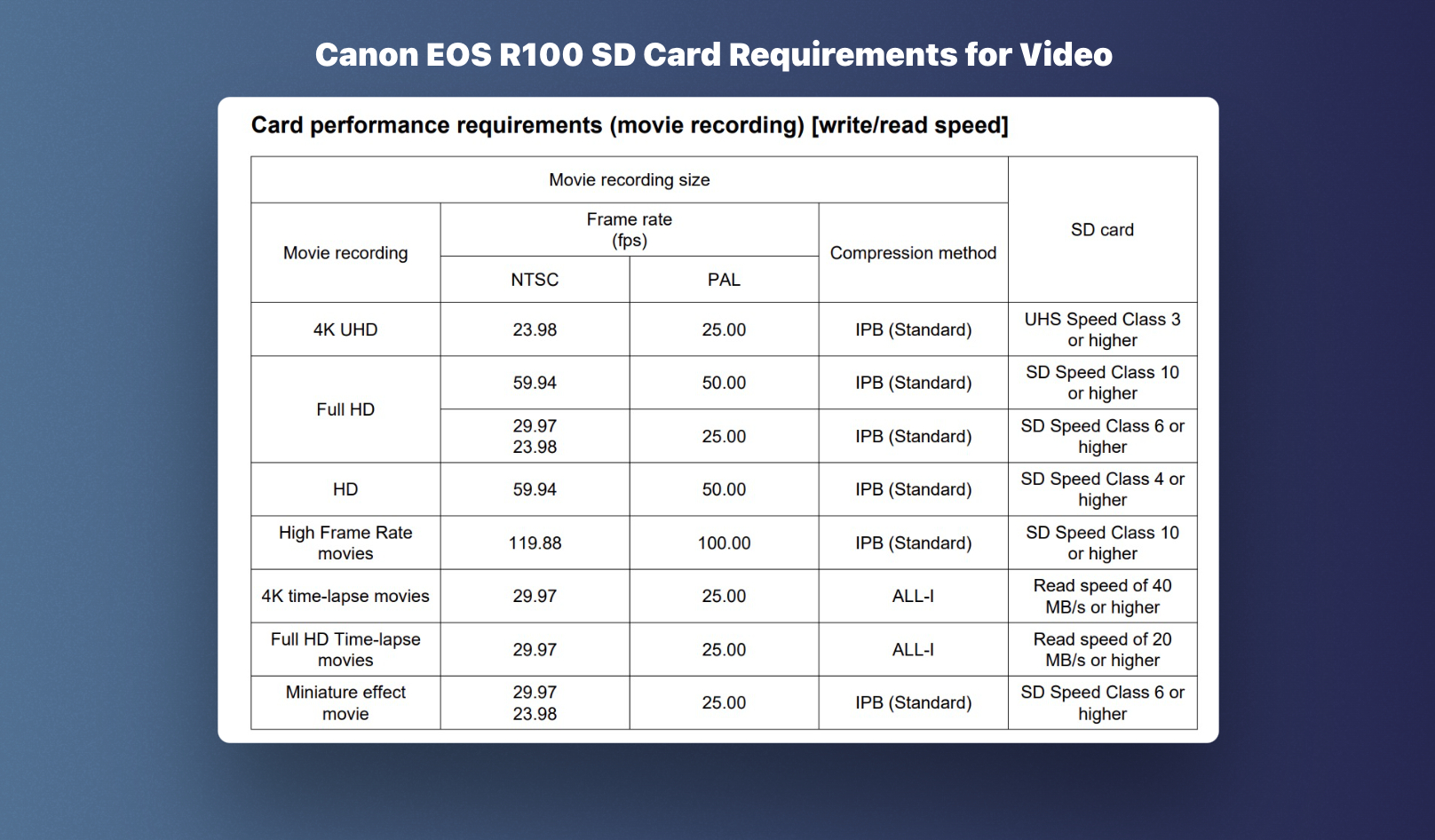
The Canon EOS R100 manual includes the speed class required for every video mode on the camera. The image below shows the official requirements, which was helpful in picking the best SD card for the R100.
How to Format SD Cards on Canon EOS R100
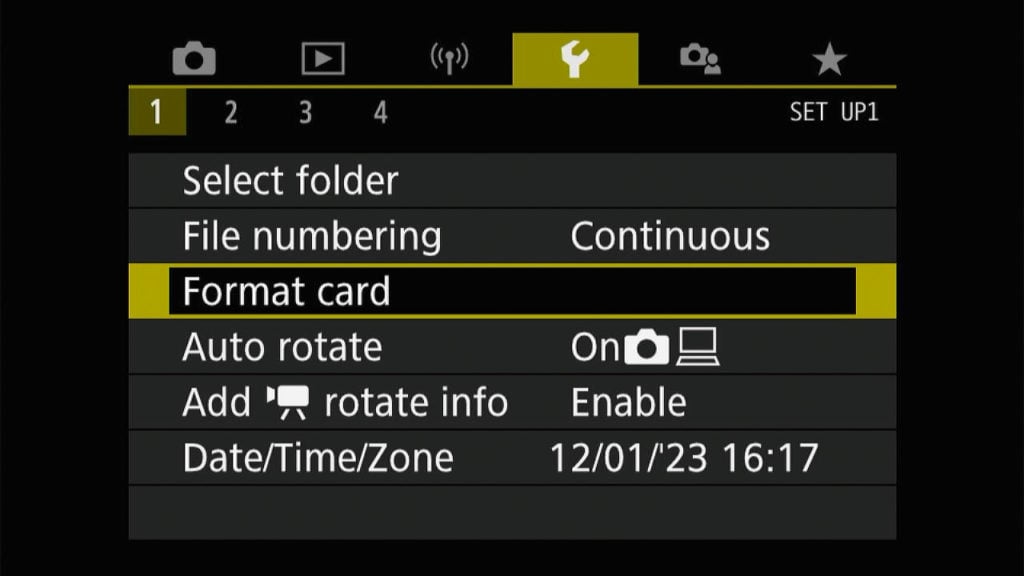
Formatting SD cards on the Canon EOS R100 is straightforward. Access the camera’s menu, navigate to the “Setup 1” section, and select the “Format card” option. A low-level format option is also available for complete data erasure. I recommend regular formatting of your new memory card for the best performance with the Canon EOS R100.
Canon R100 SD Card FAQ
Does the Canon EOS R100 come with a memory card?
No. Canon ships the EOS R100 body-only or as a kit with the RF-S 18-45mm lens, but no SD card is included in either box. Plan to buy one separately before your first shoot.
What SD card size should I get for the Canon R100?
For most users, 128GB is the sweet spot. It is large enough to hold a long trip’s worth of RAW photos plus video and the price-per-gigabyte is reasonable. If you shoot heavy 1080p 60p video or travel for weeks at a time, jump to 256GB or 512GB.
Does the Canon R100 need a UHS-II SD card?
No. The R100 only supports UHS-I bus speeds, so a UHS-II card will work but only at UHS-I speeds. Save your money and buy a quality UHS-I card with a U3 (V30) rating instead.
What is the maximum SD card size for the Canon R100?
The R100 supports SD, SDHC, and SDXC cards. The SDXC format is rated up to 2TB in theory. In practice, 256GB to 1TB cards are widely tested with the R100 and work without issues.
What speed class does the Canon R100 require?
Canon’s official requirement is at least UHS Speed Class 3 (U3) for the demanding video modes (4K 24p and 1080p 60p). Most reputable cards branded as “Extreme” or “Extreme Pro” meet or exceed this. Slower Class 10 cards may work for stills only but will throttle video recording.
For more on the R100, see my Canon R100 setup guide, which covers the rest of the menu settings worth changing.